


A/E Project Management
Unify planning, staffing, time tracking, budgeting, and billing so every project stays on schedule, on budget, and profitable.


Get the most important real-time project data front and center so you’re never in the dark. Compare planned and actual metrics to easily identify problems before they become bottlenecks.
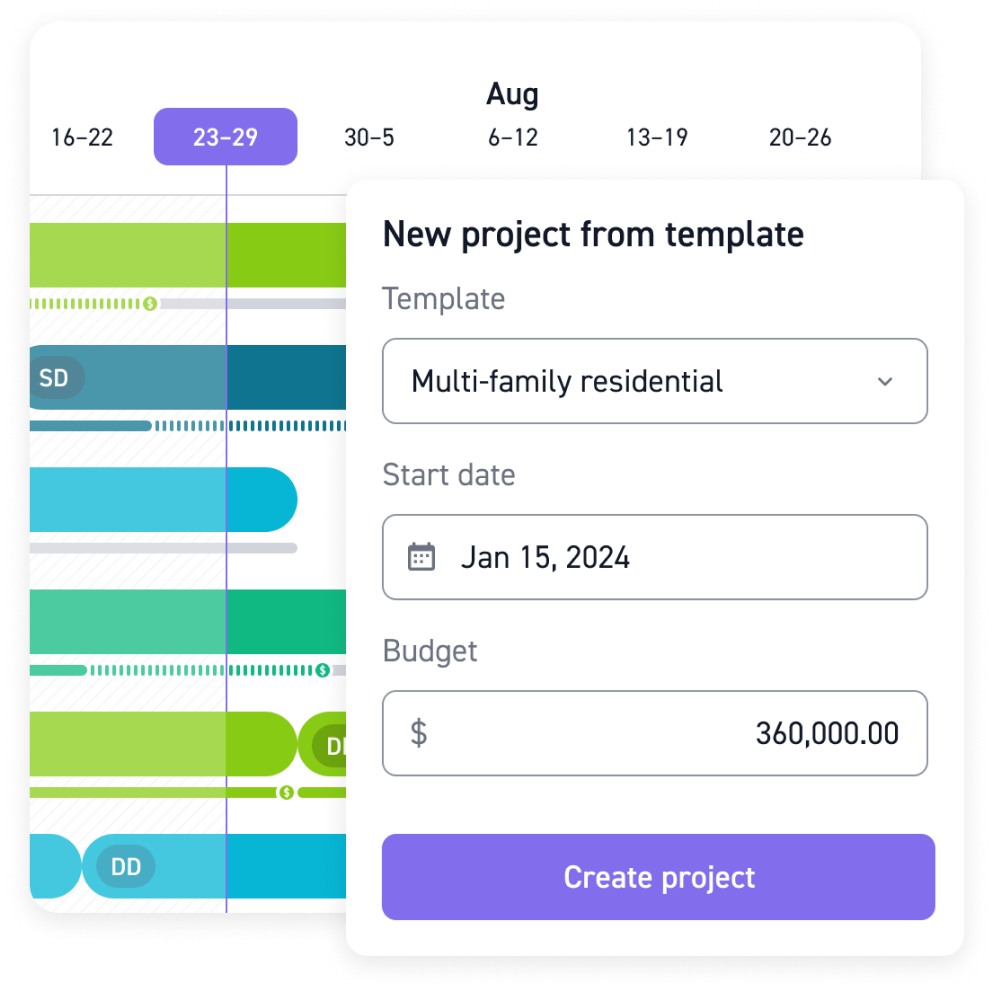
Architects need tools built just for them. Set up phases, milestones, and manage all A/E-specific your tasks within one easy-to-use platform.
.png)
Monitor your revenue, costs, profit, utilization rates, hours worked, and everything spending-related. Use history and present data to forecast and plan future decisions.


"Utilization rates have increased, and overall, company culture has been positively affected by the onboarding of Monograph. The transparency and better communication of direct information regarding what you're working on, what others are working on, and the status of projects have significantly contributed to this positive change."
Discover the definitive toolkit for transforming your architectural projects into achievements of precision and efficiency.
Monograph is purpose-built for architecture and engineering firms, using phase-based planning, fee tracking, staffing, and real-time visibility that match A/E workflows. Instead of forcing your firm into generic task tools, Monograph unifies everything in one platform.
The best tools help firms plan phases, manage fees, staff projects, track time, and monitor profit in one place.
Monograph does all of this with architecture-specific workflows that support growth without adding admin work or more software.
Monograph gives real-time visibility into fees, budgets, phases, and staffing so you can catch overruns early and make informed decisions. Firms avoid underbilling, reduce unbillable time, and deliver more predictable, profitable projects.
Monograph syncs seamlessly with QuickBooks Online so invoices, bills, and expenses stay aligned without double entry. You manage project financials in Monograph while your bookkeeper works in QBO—and everything just works.


