
Effortless planning for complex projects
Build clear, phased plans that your team and clients can see, understand, and trust.
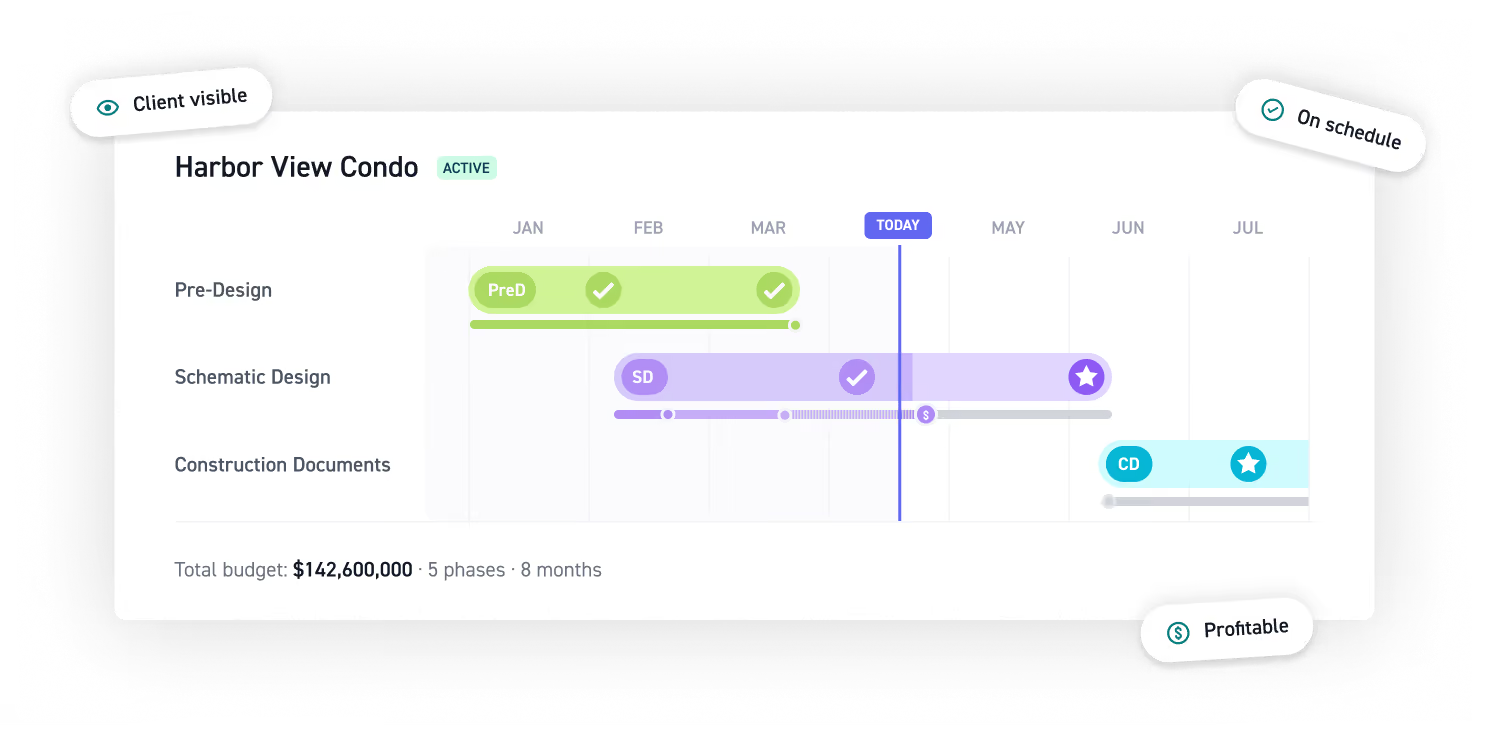
Lay the groundwork with connected planning
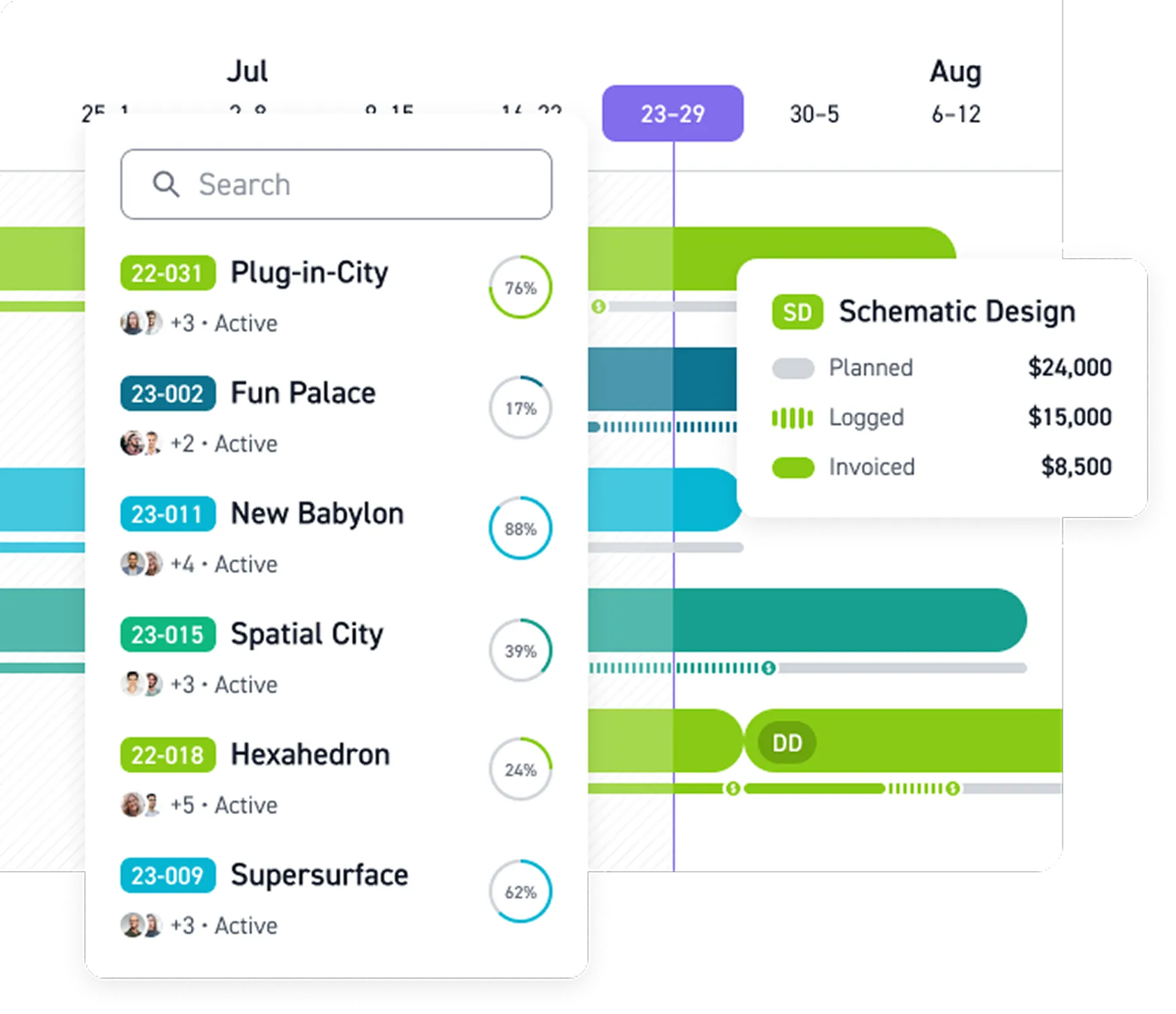
Plan phased projects with clear timelines and get a shared source of truth that updates as plans change.
Keep everyone aligned
Adapt to change
“Monograph simplifies all stages of organizational planning, from fee-building for initial project proposals, to everyday staffing, to long-range financial outlooks. I love that it makes it easy to see the real happenings of our firm.”

Plug-and-play project planner
Add project details and get a plan that's ready to guide your whole team from day one.
Build it once, reuse it forever
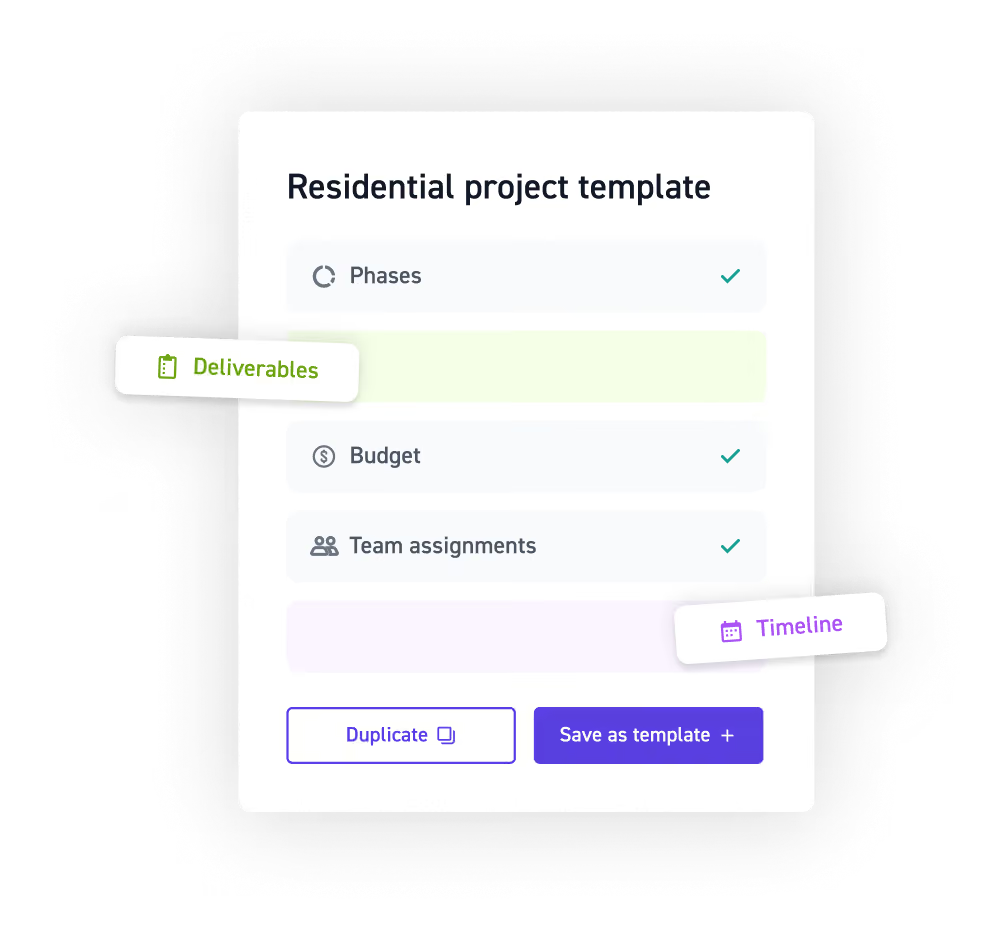
Save any project as a reusable template, or duplicate it for an exact copy. Phases, roles, budgets, team assignments, milestones, and deliverables carry over automatically.
Quick budget builder
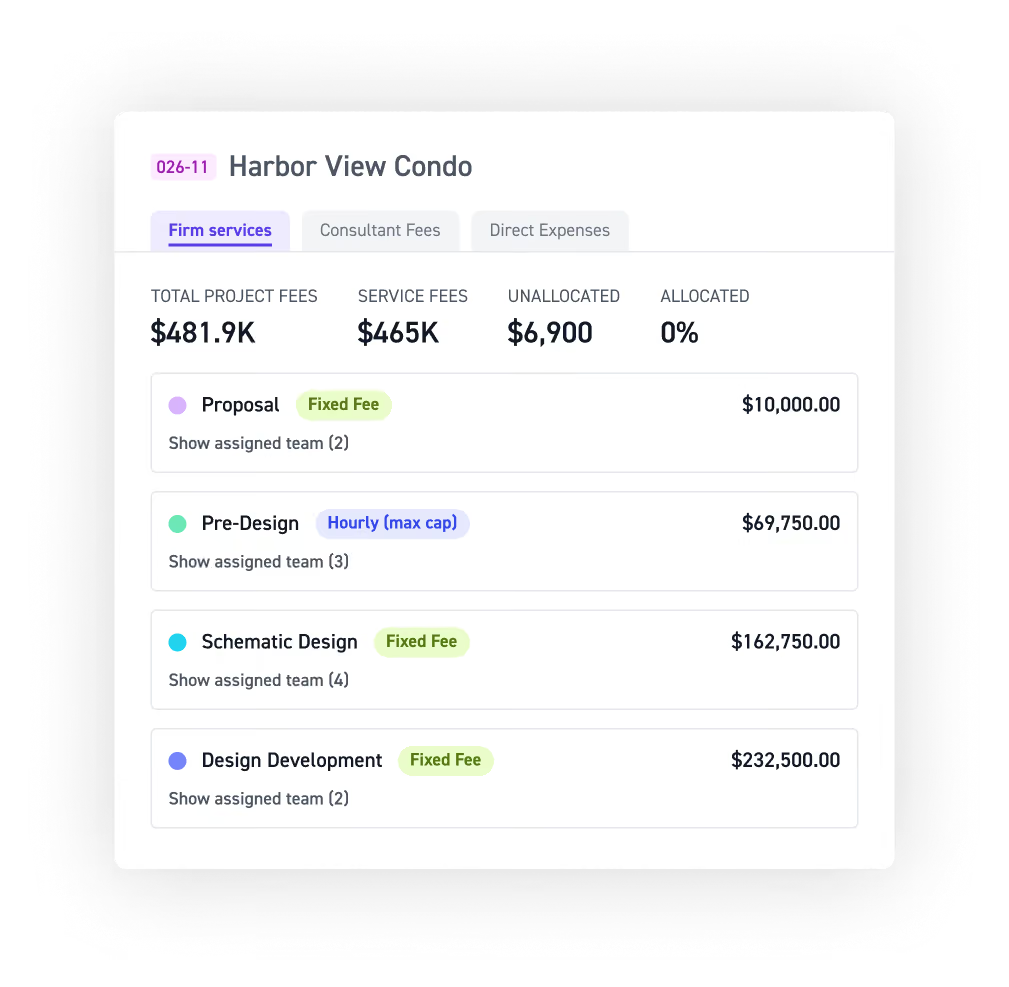
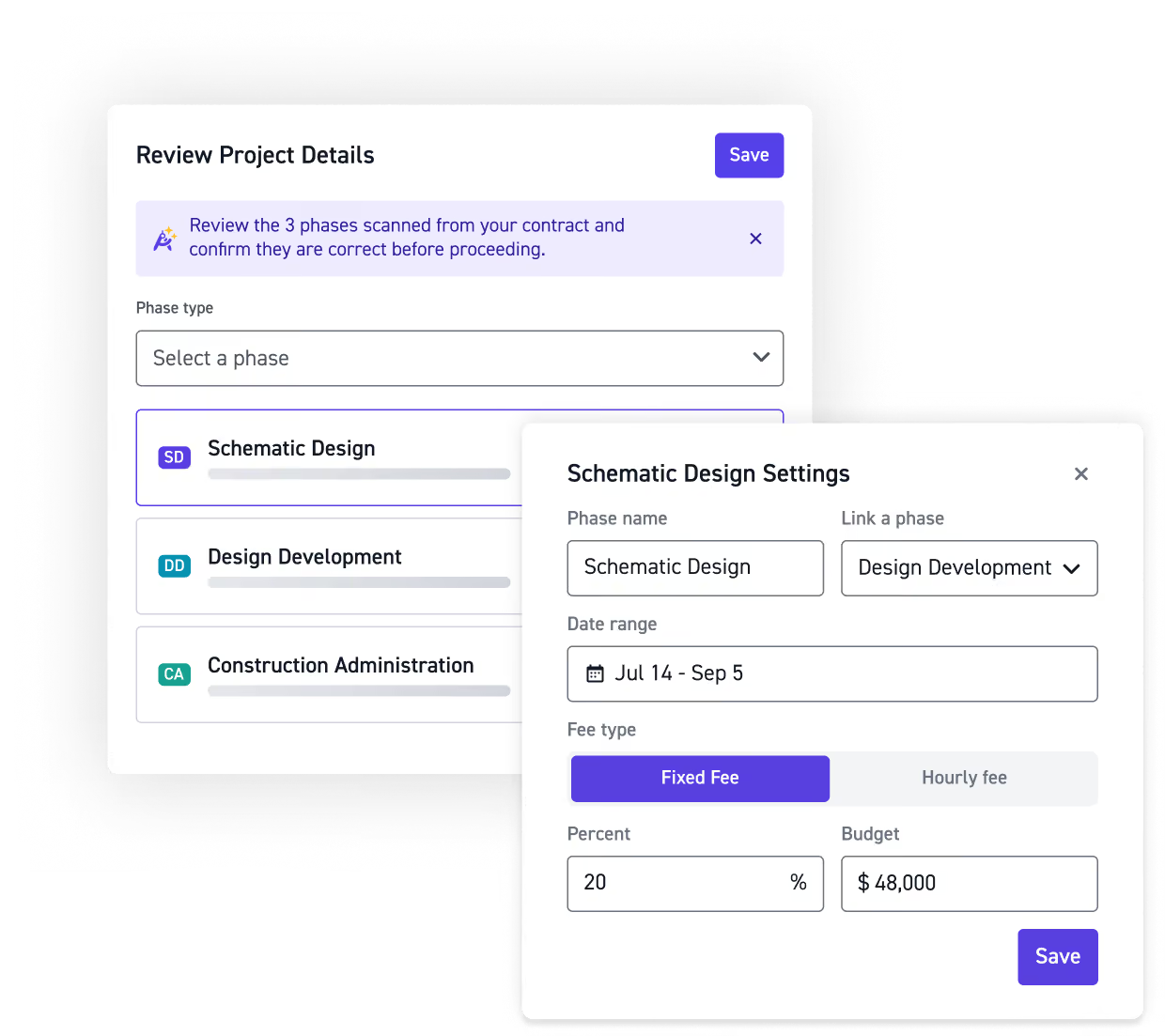
Turn a contract into a ready-to-use budget in minutes. AI pulls in phases, fee types, roles, and rates, then lets you adjust consultant markups, expenses, and hours by number or budget percentage.
One-click workflows
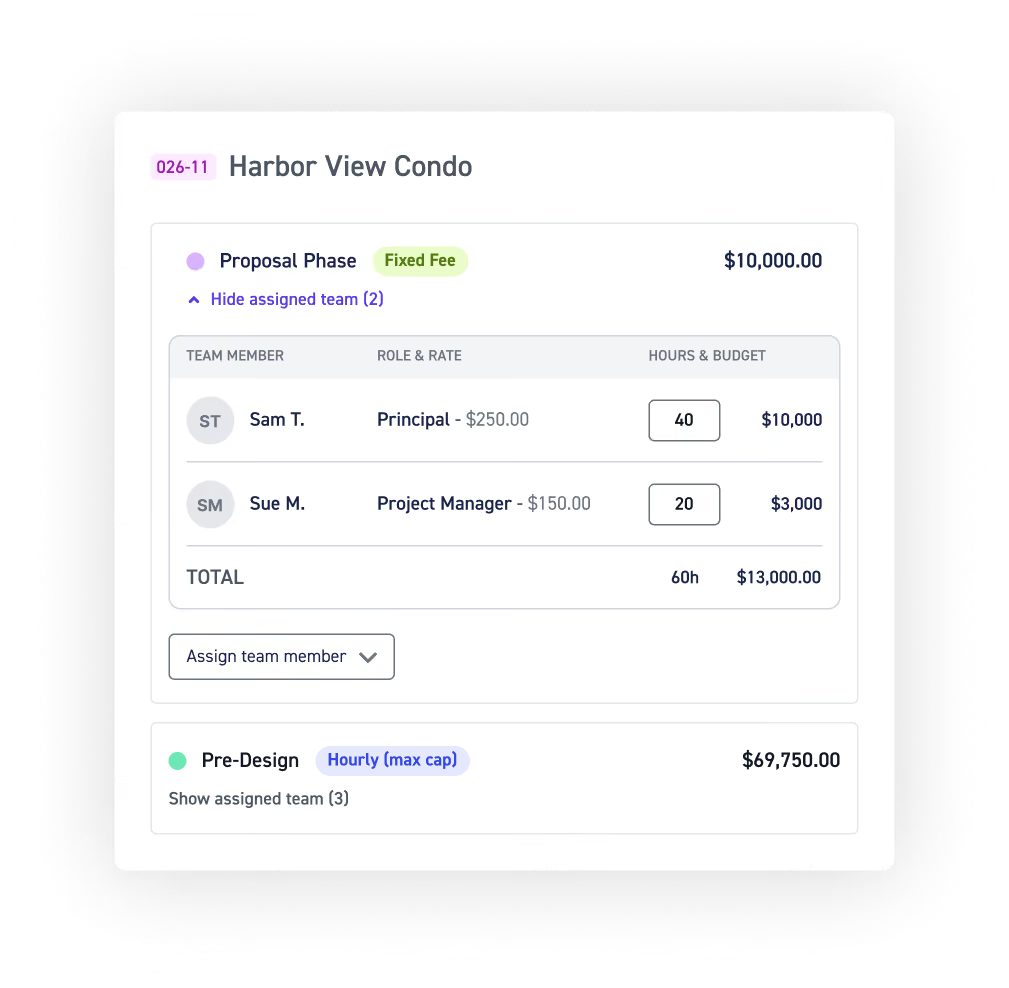
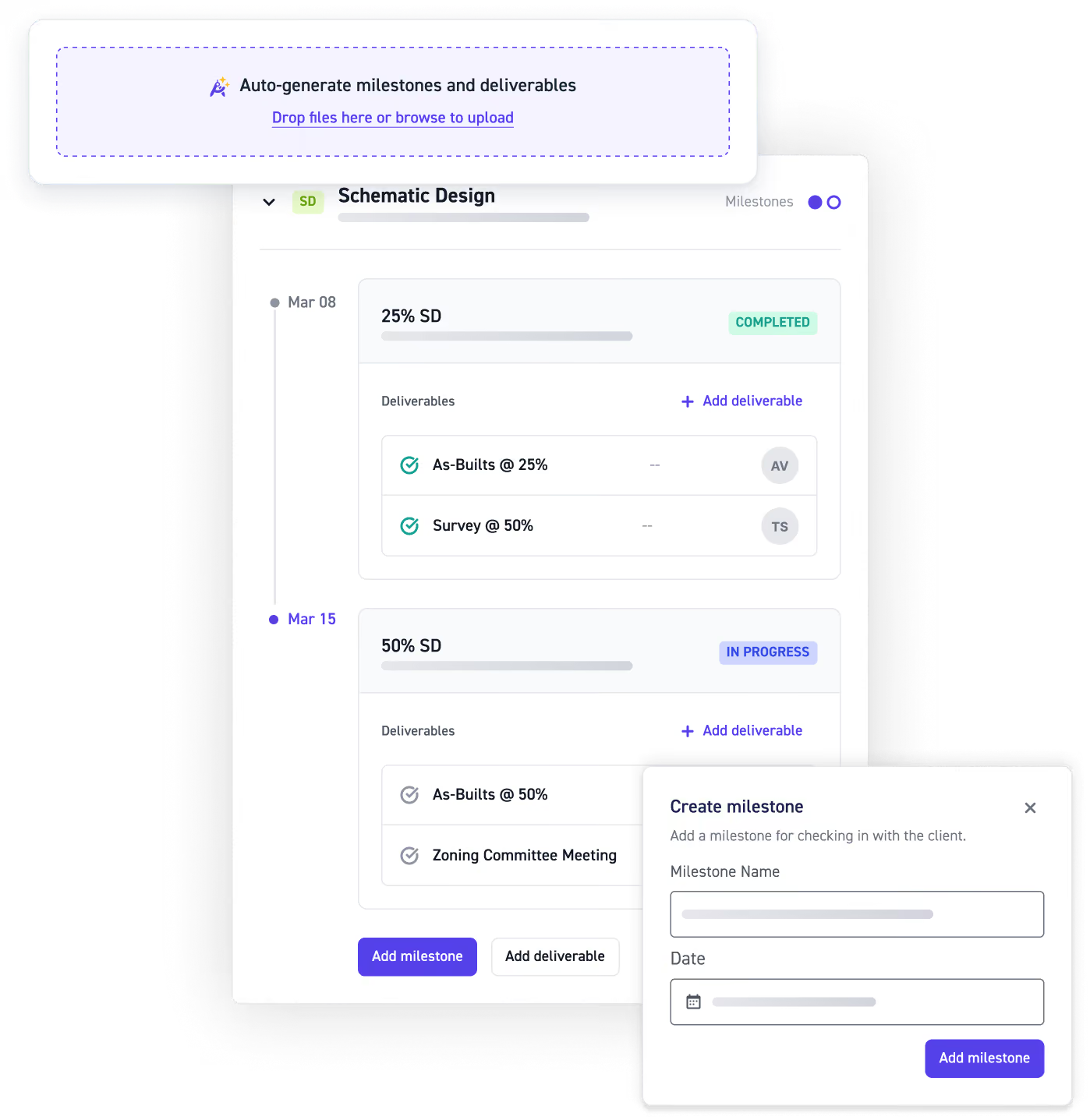
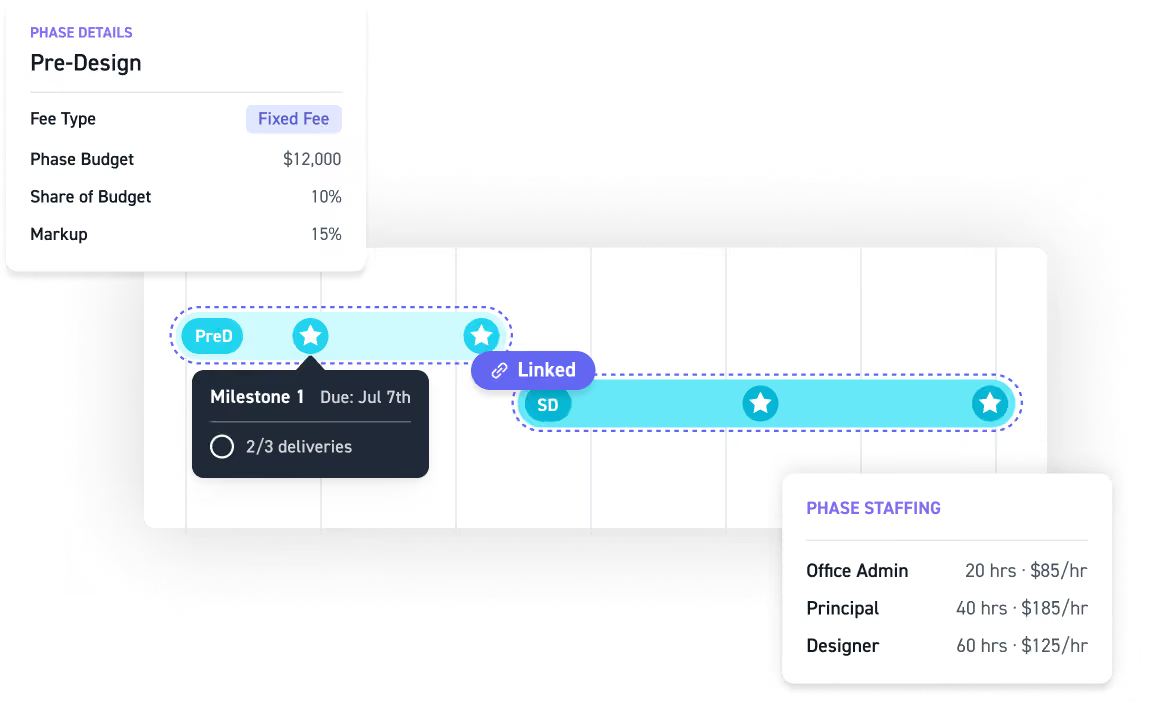
Connect milestones and deliverables to the exact phase they belong to. Each phase carries its own fee type, cap, markups, and staffing roles and rates.
Invite consultants for free
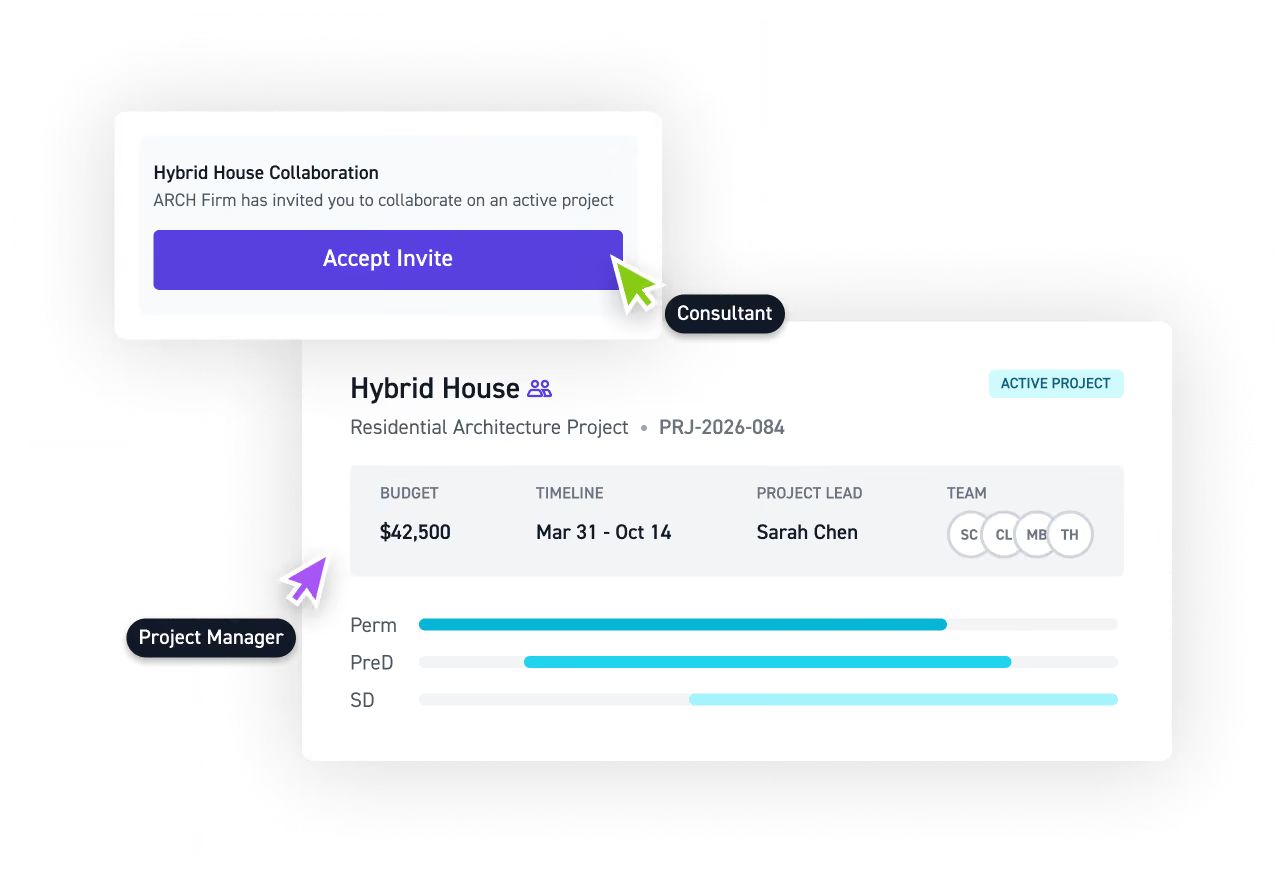
Invite consultant firms into a shared workspace for any project or phase at no added cost, with milestones, deliverables, and timelines visible from day one.
Effortless planning starts here
Book a demo and see how Monograph plans your next project for you, in minutes.



















Read more


Frequently asked questions
What's required to set up a project?
Fixed-fee phases and hourly phases with a max cap require a budget. Other details like team assignments or hourly budgets per role are strongly encouraged but not required. A clear project plan can also include project scope, timelines, milestones, deliverables, staffing, and a project budget, giving teams a shared foundation for project delivery.
Do I plan a project top-down or bottom-up?
Both. Start with a total fee and allocate percentages to phases, or estimate hours per role and roll up to a budget. Monograph supports whichever approach your firm uses. For engineering project management, connecting budgeting with resource allocation helps teams understand not only what the work will cost, but who will be needed to deliver it.
Can I save project setups and reuse them?
Yes. Save any project as a template with phases, roles, percentage-based budget allocations, and team assignments, so any recurring projects can start with the template instead of from scratch. Reusable workflows can help architecture and engineering firms create more consistent project plans, schedules, budgets, and resource planning processes across similar projects.
What if I don't have budgets for later phases yet?
No problem. Add placeholder budgets and update them when contracts are finalized, or create additional phases later. Project planning is an ongoing process, and keeping the project budget flexible makes it easier to adapt resource allocation and project schedules as scope and timelines become clearer.
Are milestones and deliverables tied to my budget?
Milestones and deliverables live within the same project plan as phases, budgets, and staffing, keeping key project information connected. A Gantt chart provides a visual view of project timelines, while connecting milestones, deliverables, resource management, and budgets helps teams understand how changes may affect the overall project schedule.
How does project planning help prevent scope creep and budget overruns?
A clear project scope gives the team a baseline for what needs to be delivered, when, and within what budget. As work progresses, comparing actual performance against the project plan can help project managers identify scope creep, budget overruns, schedule changes, and other project risks earlier. For architecture and engineering project management, that visibility is an important part of risk management and successful project delivery.
How does resource planning fit into engineering project management?
Resource planning connects your project schedule with the people needed to deliver the work. Monograph supports resource management and capacity planning by connecting staffing, planned hours, phases, and project timelines. This makes allocating resources easier and helps project managers understand whether the team has the capacity to deliver the project plan as expected.
How is engineering project management different from general project management methodologies?
Engineering project management requires teams to coordinate complex phases, technical deliverables, project budgets, resources, and consultants over long timelines. Project managers may draw on methodologies and frameworks from the Project Management Institute (PMI), including waterfall or agile methodologies. Monograph is built around the workflows specific to A&E firms, connecting project planning, resource allocation, budgets, schedules, and financial performance in one place.