
Keep project finances synced with QuickBooks
Send invoices, expenses, and consultant bills from Monograph to QuickBooks Online without entering the same data twice.
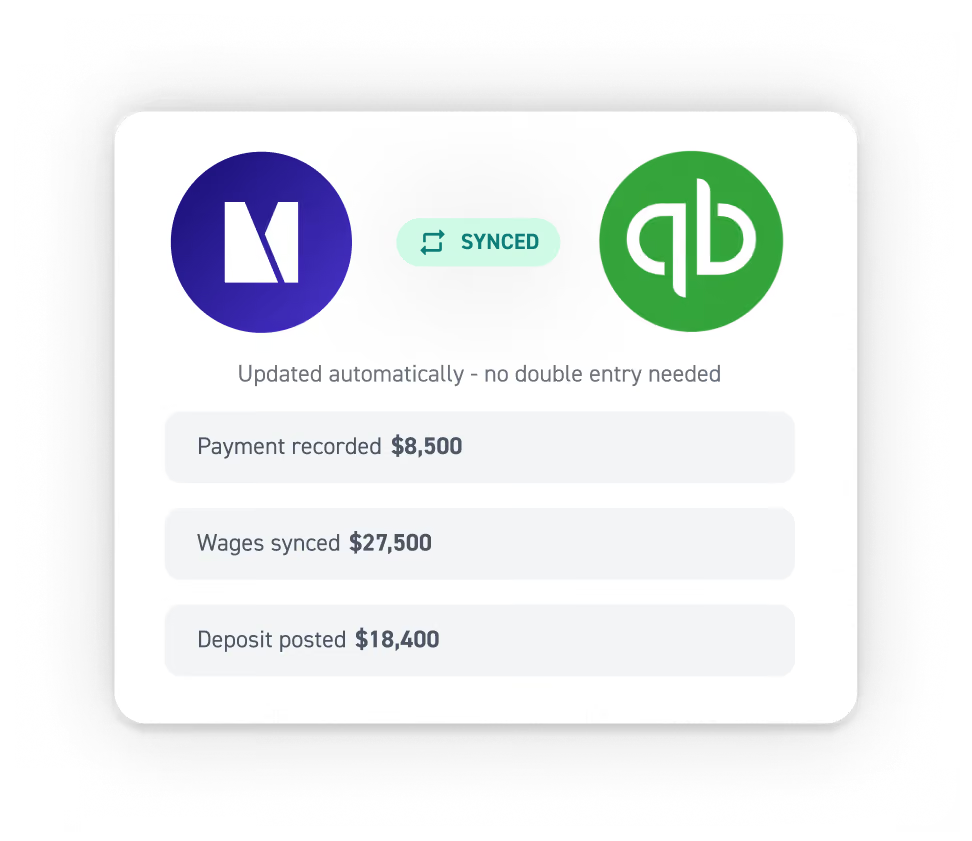
Connect QuickBooks without the hassle
Get connected quickly, automate financial workflows, and keep project and accounting data perfectly in sync.
Reduce manual work
Get project-level clarity
Keep financials aligned
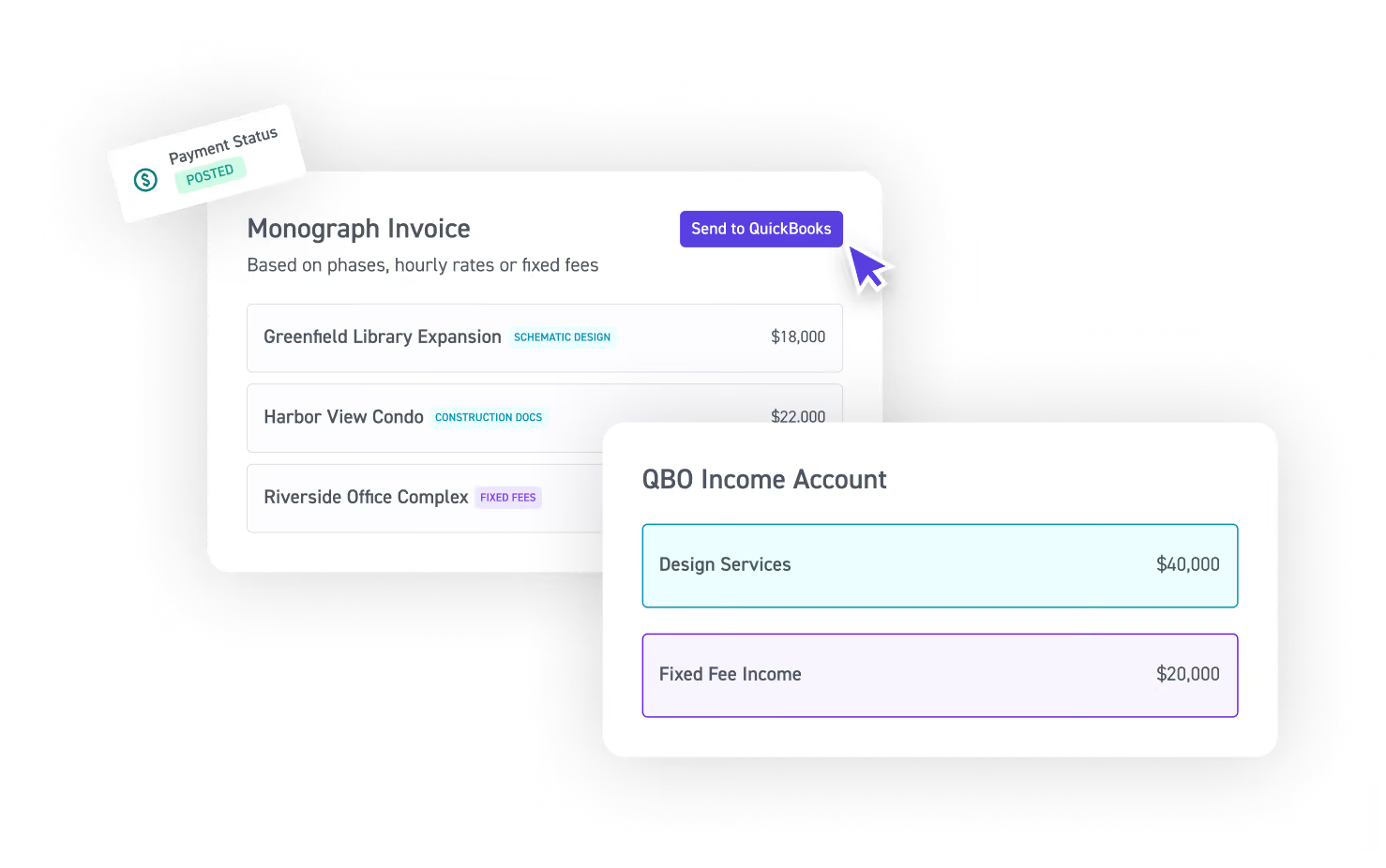
Send invoices to QBO & track payment status
Bill in Monograph, then send invoices to QuickBooks with one click. Revenue posts to the right accounts automatically, and payment status stays in sync across both systems.
Send consultant bills and expenses to QuickBooks
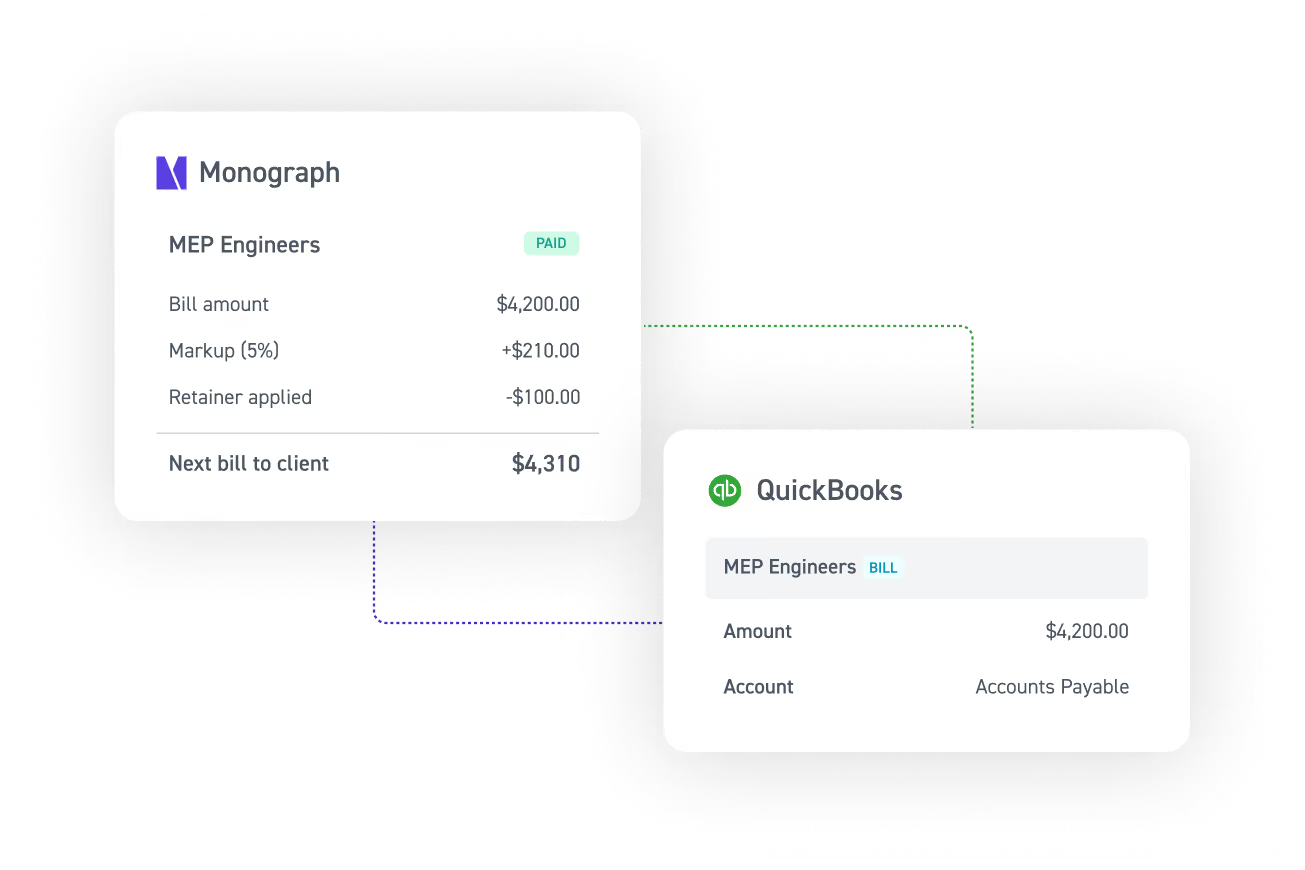
Manage consultant bills and project expenses plus any markups in Monograph, then send to QuickBooks for accounts payable and expense recognition.
Import real project costs
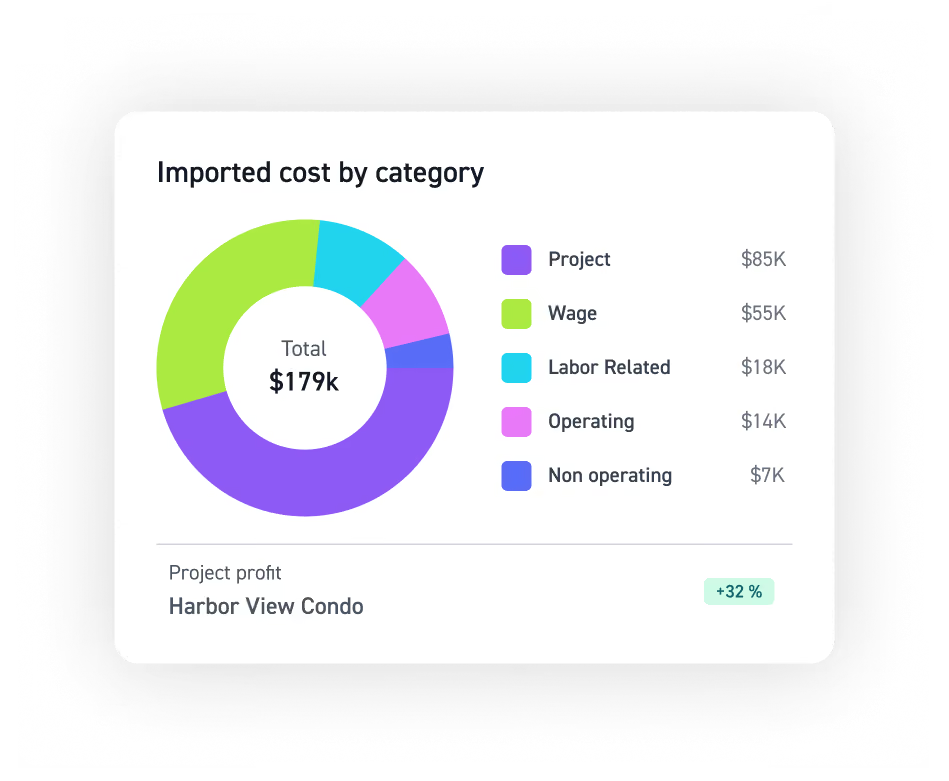
Sync project, wage, labor, consultant, and operating costs from QuickBooks so you can accurately track profitability on every project.
Migrate with confidence
Get dedicated support from QuickBooks experts with setup, migration, training, and troubleshooting, all from a team that understands the unique needs of A&E firms.
Simplify A&E accounting
Keep project accounting and firm financials connected with a QuickBooks integration built for A&E firms.



















Read more


Frequently asked questions
Which QuickBooks Online (QBO) plans and tools work with Monograph?
Monograph’s QuickBooks integration works with QuickBooks Online Simple Start, Essentials, Plus, Advanced, and Intuit Enterprise Suite. Automatic payment status updates require QBO Plus or Advanced. Time tracking and timesheets stay within Monograph, and you can export a Payroll Report to hand off to your payroll provider. While there are no direct integrations with QuickBooks Time, QuickBooks Payroll, or QuickBooks Desktop, firms can use them alongside Monograph without conflict.
What are my Monograph and QuickBooks profit numbers measuring?
They're measuring different things. Monograph’s Project Profit Report shows profitability per project; QuickBooks Profit and Loss shows your firm's total financial picture, including broader firm accounting and reports as well as your balance sheet. The numbers will differ — but importing QBO job costs into Monograph bridges the gap for more accurate project profitability and financial reporting.
If I edit an invoice in QuickBooks, does it update in Monograph?
No, by design. Monograph manages projects and invoices, QuickBooks manages accounting. Invoices move one-way from Monograph to QuickBooks Online, while cost data move one-way from QuickBooks into Monograph. Payment status can update in both systems for firms using QBO Plus or Advanced. This lets firms use Monograph for project financial management while QBO remains their accounting software.
Will my existing QuickBooks invoices import into Monograph?
No. Invoices already created in QuickBooks won't import into Monograph, since invoices are designed to flow one direction: Monograph to QuickBooks. For past billing, enter the total amounts invoiced to your clients through a historical billed form on each project.
How are expenses and consultant bills handled in QuickBooks?
Expenses and consultant bills created in Monograph can be sent to QuickBooks Online. Reimbursable expenses are recorded as bills in QBO, while non-reimbursable expenses are recorded as expense transactions. These transactions can be mapped to the appropriate expense accounts in QuickBooks. Consultant bills can also be sent to QBO, keeping expense tracking, accounts payable, project billing, and bookkeeping connected without entering the same data twice.
Is setting up the QBO integration hard?
There's some initial prep in QuickBooks: clean up your chart of accounts, code costs to the right categories, set up a service item per project phase, and tidy up vendors and customers. Once done, connecting takes a few clicks: log in and map your clients, phases, and consultant types.
How are sales taxes handled?
Sales tax is calculated in Monograph, but setup happens in QuickBooks. Once your tax rates are configured there, whether or not you use Automated Sales Tax, the tax amounts on your Monograph invoices map over automatically when you send them.
How does Monograph work with QuickBooks for project accounting?
Monograph is project management and invoicing software built for A&E firms, while QuickBooks Online is accounting software. Together, they connect project budgets, invoicing, expenses, job costs, and profitability with the broader accounting workflow. Rather than using estimates, firms can use real project costs imported from QBO to understand project profitability. Monograph keeps project information like budgets and timesheets tied to the work, while QBO handles firm-wide accounting and financial reports.