



Firm management made easy

Microsoft Excel has been a go-to project management tool for architecture and engineering firms for decades. It's familiar, flexible, and relatively inexpensive. Whether you're tracking project budgets, building schedules, or managing staffing plans, there's probably a spreadsheet for it.
For a while, that approach works just fine. But as projects become more complex and teams grow, managing everything in Excel can start to create more work than it saves.
The real cost isn't necessarily the software itself. It's the time spent updating spreadsheets, the mistakes that go unnoticed, and the decisions made using information that's already out of date.
Let's look at how firms use Excel for project management, four hidden costs of relying on spreadsheets, and what you can do to avoid them.
How do A&E firms use Excel for project management?
Excel gives project managers a flexible starting point for organizing projects. With the right project management templates, firms can create everything from a simple project plan to detailed budget and staffing trackers.
Some common uses include:
- Project planning: Create a project plan template that outlines project goals, scope, tasks, deliverables, and due dates.
- Project schedules: Build a project timeline or Gantt chart to visualize phases, milestones, and dependencies.
- Budget tracking: Use a project budget template to monitor planned hours, consultant costs, and expenses.
- Resource allocation: Track who's assigned to each project and estimate team capacity.
- Project tracking: Maintain a project tracker with task owners, status updates, and upcoming deadlines.
- Reporting: Use formulas, conditional formatting, and pivot tables to organize project data and share updates with stakeholders.
For architecture and engineering firms, these spreadsheets often follow the project lifecycle, from proposals and early planning through design, documentation, construction administration, and final invoicing.
And there's no shortage of Excel project management templates to help firms get started. You can find a Gantt chart template, project timeline template, or project tracker template without having to build everything from scratch.
The challenge is what happens after those templates are put to work.
The 4 hidden costs of project management in Excel
Think about your firm's weekly project meeting. Your project managers come prepared with updated budgets, staffing plans, and schedules. Everyone reviews the numbers, discusses upcoming milestones, and makes decisions about where to focus their attention.
But by the next day, someone has logged another eight hours against a project, a deliverable has been pushed back, a team member has been reassigned, and a consultant has submitted an invoice. Suddenly, the numbers you reviewed yesterday no longer reflect what's happening today.
That's one of the biggest limitations of project management in Excel: a spreadsheet captures a snapshot of your business, not necessarily its current state.
While Excel can organize information, it doesn't automatically connect that information to everything else happening across your firm. Knowing how many hours remain in a project budget is useful, but understanding how those hours compare to your team's availability, upcoming deadlines, and remaining work is what helps you make better decisions.
When those details live in separate places, getting the full picture takes additional work. And that creates costs that aren't always obvious.
1. The time spent keeping spreadsheets updated
Spreadsheets might be inexpensive to use, but maintaining them isn't free.
Consider how much time your team spends each week updating project budgets, copying information between systems, checking staffing plans, and pulling together status updates for leadership. Individually, these tasks might only take a few minutes. Across multiple projects and team members, those minutes add up.
For architecture and engineering firms, time is especially valuable. Every hour a project manager spends updating a spreadsheet is an hour they can't spend on billable work, supporting their team, or moving a project forward.
The bigger issue is that much of this work has to be repeated. Updating a project budget doesn't necessarily update your staffing plan. Changing a due date in your project schedule doesn't automatically adjust the hours assigned to employees. And logging time in one system doesn't update a separate budget spreadsheet unless someone transfers that information.
Even if your firm uses a well-organized project management template, someone still has to keep it current.
What to do instead
Start by identifying where your team enters the same information more than once. For example, if employees already track their hours in a time tracking system, those entries should inform project budgets without requiring another round of manual updates.
Look at how your firm handles project planning, staffing, and invoicing. Where are people copying information between tools? Where are project managers spending time reconciling numbers?
The goal isn't to eliminate spreadsheets entirely. It's to reduce the repetitive work required to keep your most important project information accurate.
2. Small errors that turn into expensive problems
Anyone who's worked in Excel knows how easy it is to make a mistake. A formula references the wrong cell, someone accidentally overwrites a value, or a project manager copies an outdated budget into a new file.
Most of these mistakes are easy to miss, especially when a spreadsheet contains hundreds of rows or pulls information from multiple sources. But in A&E project management, even a small error can have consequences.
Imagine a consultant invoice gets left out of your project cost tracking. Your budget might show a healthy margin, even though the project is actually much closer to going over budget. Or perhaps a formula incorrectly calculates the remaining hours in a phase, and your team continues working under the assumption that there's more budget available than there really is.
By the time someone catches the mistake, the work may already be complete. These errors don't just create extra administrative work. They can affect project profitability, billing accuracy, and your ability to make informed decisions.
What to do instead
Reduce the number of times information needs to be manually transferred between systems. Look for opportunities to connect time tracking, project budgets, consultant costs, and invoicing so changes are reflected across the relevant workflows.
It's also worth reviewing who owns your firm's most important project data. If several people are responsible for updating different versions of the same information, mistakes become harder to prevent and identify.
And if you're continuing to use Excel, consider adding basic safeguards like protected formulas, data validation, and drop-down lists to reduce accidental changes. These won't solve every problem, but they can make your spreadsheets more reliable.
3. Outdated information that leads to reactive decisions
One of the most overlooked costs of spreadsheet-based project management is the delay between when something happens and when your team sees it.
Let's say your firm updates its staffing spreadsheet every Monday morning. By Wednesday, a project has fallen behind schedule, another has used more hours than expected, and a team member has been pulled onto an urgent client request.
Your staffing plan might still look perfectly balanced, but the reality is different.
This makes it harder to answer important questions:
- Can we take on another project with our current team?
- Which projects are at risk of going over budget?
- Do we have enough capacity to meet next week's deadlines?
- Can we move someone to another project without affecting delivery?
- Which projects are actually profitable?
Answering these questions often requires gathering information from several spreadsheets, checking it against other systems, and confirming that everything is current. By the time you have an answer, the situation may have changed again.
Project timelines and dependencies make this even more complicated. Consider a project that's moving from Design Development into Construction Documents. Your project plan might show the next phase starting Monday, with several milestones and deliverables scheduled over the following weeks.
But if the previous phase runs late, that delay affects more than your project timeline. It can change who's available, when work needs to happen, and how much budget remains.
In a traditional Excel Gantt chart or project timeline template, someone has to update those dependencies and communicate the changes. And if your resource allocation lives in another spreadsheet, that needs to be updated, too.
For firms managing multiple projects, these disconnected updates make it harder to identify bottlenecks before they affect delivery.
What to do instead
Focus on connecting the information that influences your most important project decisions. For A&E firms, that typically includes project budgets, schedules, staffing, time tracking, and invoicing.
When these areas are connected, project managers can see how changes in one area affect another. For example, if a project is consuming hours faster than expected, that information can help inform staffing decisions before the budget becomes a bigger problem.
Rather than waiting for the next weekly spreadsheet update, your team can respond as new information becomes available.
4. A system that gets harder to manage as your firm grows
Spreadsheets often work well when a firm is small. A principal might manage a handful of projects using a few carefully organized files. They know where everything lives, understand the formulas, and can usually find the information they need.
But as the firm grows, so does the complexity. More projects mean more budgets, schedules, invoices, and staffing decisions. More employees mean more people entering information, updating files, and relying on that information to do their jobs.
Suddenly, the spreadsheet system that worked for three people becomes much harder to maintain with ten or twenty.
Growth isn't the only challenge, either. As responsibilities become more specialized, information often gets spread across different teams. Project managers track budgets, operations manages staffing, and accounting handles invoicing. Each team may have its own project tracker, task list, or reporting template, making it difficult to understand how everything fits together.
This can create a frustrating cycle: the more your firm grows, the more time your team spends managing the systems that are supposed to help it grow.
What to do instead
Think about whether your current processes can support the firm you want to become.
Can a new project manager quickly understand where to find accurate project information? Can leadership see performance across the entire firm without requesting updates from every team? Can you add projects without significantly increasing administrative work?
If the answer is no, it may be time to reconsider how your firm manages its information. The goal is to build processes that support growth without requiring your team to spend more and more time maintaining them.
When should you move beyond Excel for project management?
Excel isn't inherently a bad project management tool. For a simple project plan, one-off budget analysis, or a basic to-do list, a spreadsheet may be all you need.
But there's a difference between using Excel to organize information and relying on it to manage your entire business.
If your team regularly struggles to find current project information, spends hours updating reports, or has difficulty understanding project profitability, those are signs your existing approach may no longer be working.
Before investing in dedicated project management software, take a closer look at how your current processes are supporting your day-to-day operations.
Consider how much time your team spends maintaining project trackers each week and whether project managers can see current budgets without manually updating spreadsheets. Think about whether your staffing plans reflect actual project progress and whether leadership can easily identify which projects are profitable.
It's also worth looking at how often your team enters the same information into multiple systems and whether you can spot upcoming capacity constraints before they affect deadlines.
A project tracker might tell you which tasks are complete, but it won't necessarily show how much budget has been consumed or whether the remaining work is financially achievable. Similarly, a staffing spreadsheet might show who's assigned to each project without accounting for changing schedules, remaining hours, or upcoming work.
If answering these questions requires pulling together several reports or checking with multiple people, your firm may have outgrown its current approach.
What does better A&E project management look like?
Moving beyond spreadsheets doesn't mean abandoning Excel altogether. It's still useful for quick calculations, one-off analysis, and organizing information.
But when it comes to managing an A&E firm, the real value comes from having your most important project information connected in one place.
That includes:
- Project budgets: Understand how much time and money has been allocated to each phase, how much has been used, and what's remaining.
- Staffing and schedules: Plan work based on team availability, project deadlines, and the hours required to complete each phase.
- Time tracking: Capture the hours employees spend on projects and connect that information to budgets and billing.
- Invoicing: Turn completed work and tracked time into accurate invoices while keeping project financials up to date.
- Profitability reporting: Understand which projects are making money and where costs may be affecting margins.
These aren't separate parts of running an A&E firm. They influence one another every day.
When your team logs time, that information should help project managers understand how budgets are progressing. When a project schedule changes, staffing plans should reflect the work that needs to happen. And when leadership reviews project performance, they should be able to see how those decisions affect the firm's financial health.
Connecting these workflows gives your team a clearer picture of what's happening across the business without having to piece everything together manually.
How Monograph helps bring everything together
Monograph is built specifically for architecture and engineering firms, bringing project budgets, staffing, schedules, time tracking, and invoicing together in one place.
Instead of maintaining separate spreadsheets, project managers can see how work is progressing against phase budgets, review team capacity, and make staffing adjustments with more current information. Time entries help keep project budgets up to date, while connected financial information makes it easier to understand how projects are performing.
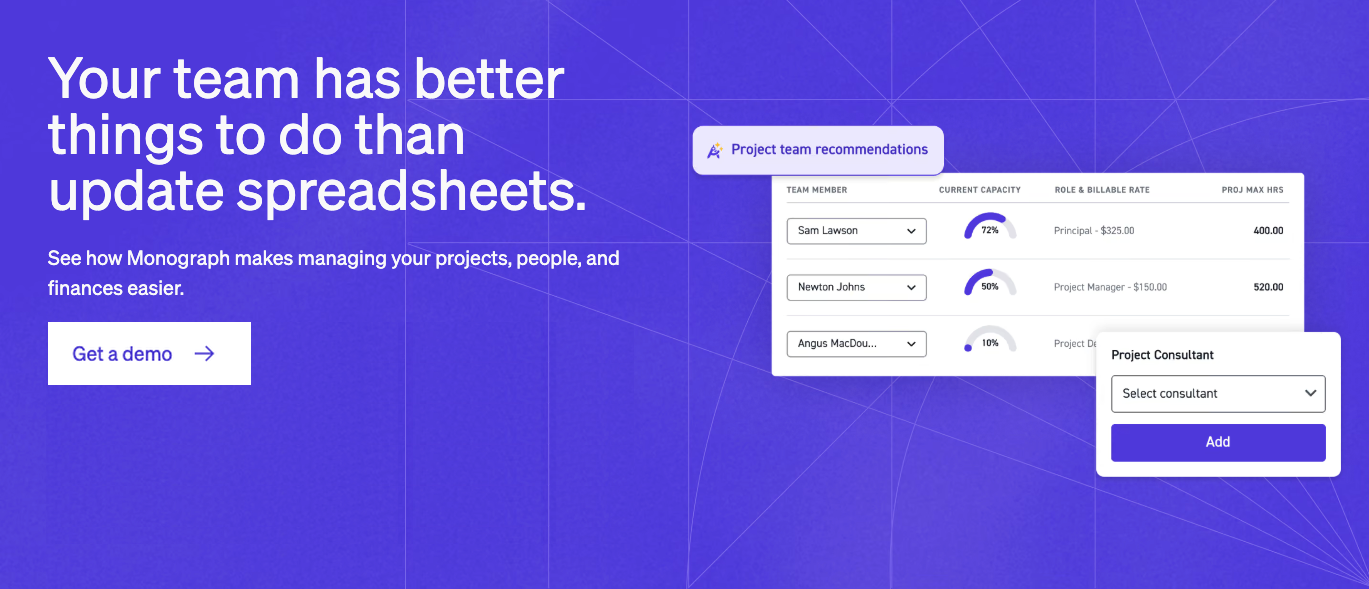
Monograph also offers tools like Smart Time Tracking to help employees capture project hours, and staffing recommendations to help project managers plan work around available capacity.
For firms using QuickBooks Online, Monograph can connect project and accounting data to support more detailed profitability reporting.
The result is a clearer picture of what's happening across your projects, people, and finances, without having to rely on separate spreadsheets to understand how everything fits together.
See how Monograph compares to spreadsheets.
Ready to move beyond spreadsheets?
Managing projects shouldn't mean spending hours updating spreadsheets and piecing together information from different systems.
Monograph brings your project budgets, staffing, schedules, time tracking, and invoicing together in one place, so you can see what's happening across your firm and make decisions with confidence.
Book a demo to see how Monograph could work for your firm.
Not quite ready for a demo? Watch our on-demand webinar, 4 Hidden Costs of Managing Projects in Spreadsheets, to learn more about the challenges of managing A&E projects in Excel.
Frequently asked questions about project management in Excel
Can Excel be used for project management?
Yes. Microsoft Excel can be used to create project plans, Gantt charts, budget trackers, task lists, and project schedules. It's a flexible option for organizing project information, particularly for smaller teams or straightforward projects. However, managing complex projects in Excel often requires manual updates and separate spreadsheets for staffing, financials, and reporting.
What are the disadvantages of using Excel for project management?
The biggest limitations include manual data entry, formula errors, outdated project information, and difficulty connecting budgets, schedules, and staffing. Excel can organize large amounts of information, but keeping that information accurate across multiple projects and team members requires ongoing maintenance. These challenges can become more significant as firms grow.
Can you create a Gantt chart or project timeline in Excel?
Yes. Excel can be used to create Gantt charts and project timelines using templates, formulas, and conditional formatting. These can help project managers visualize tasks, milestones, and dependencies. However, when schedules change, related staffing plans, budgets, and project trackers may also need to be updated manually, especially if they're maintained in separate files.
When should a firm switch from Excel to project management software?
Consider dedicated project management software when your team spends significant time maintaining spreadsheets, struggles to find accurate project information, or needs better visibility into budgets, staffing, and profitability across multiple projects.
If project managers regularly have to combine information from different spreadsheets before making decisions, a more connected system may help reduce administrative work and improve visibility across the firm.
Is Excel better than dedicated project management software?
It depends on what your firm needs. Excel is flexible, familiar, and useful for simple project plans, calculations, and one-off analysis. For firms managing multiple projects, employees, and budgets, dedicated project management software can offer advantages by connecting project planning, staffing, time tracking, and financial information.
For architecture and engineering firms, the right choice depends on project complexity, team size, and how much time your team currently spends maintaining information across different systems.
