



Firm management made easy

Your week is already in Outlook. Coordination calls with the structural sub are there with their start and end times. So are the owner's progress meeting and the hour you blocked for redline review. Then Friday arrives, the timesheet is blank, and you rebuild five days from memory.
The hours you forget are the hours you never bill. Monograph's 2026 Architecture & Engineering Business Benchmarks Report found high-performing firms bill 34% more hours than low performers. That works out to roughly 10 extra billable hours per person per week. Outlook already has the raw material for those entries. How much of it reaches an invoice depends on what does the work: Outlook itself, an add-in, or a firm-management system.
What Outlook Does on Its Own
Outlook has no concept of a project or a billable hour. The features that look adjacent to time tracking are personal productivity tools with clear limits:
- Color categories are personal labels on meetings and emails, visible only to you. On a recurring meeting, a category applies to the entire recurring series and never to a single occurrence.
- The Journal, the old feature closest to activity logging, has been disabled since Outlook 2013.
- Viva Insights shows how your meeting hours split across categories and keeps personal insights private from managers.
- Copilot in Outlook organizes meeting summaries into Overview, Tasks, Actions, Recap, and Topics. It logs nothing against a project.
Outlook can summarize your calendar activity, but it produces no project-coded time entry. Microsoft's timesheets were part of Project Online, which Microsoft retired on September 30, 2026.
What Add-Ins and Generic Trackers Add
Add-ins and trackers turn an email or calendar event into a time entry in a click or two. The common options work like this:
- eBillity's Time Tracker add-in converts Outlook events and emails into entries that post to its account for review and approval.
- Harvest pulls Outlook.com events into its timesheet, and clicking an event fills in a new entry.
- Toggl Track's browser extension adds a start-timer link inside Outlook on the web, and you can set an entry's description, project, tags, and billable status.
- TimeCamp imports Outlook events as entries and files them under a project called "Outlook Calendar Events" unless a keyword in the event name points to another project.
None of their integration pages mentions project phases, phase budgets, or fixed-fee tracking. You get a project name on the entry and no phase.
A&E contracts are written by phase. AIA B101 divides basic services into schematic design, design development, construction documents, procurement, and construction. Under one billing method in AIA's guidance, you invoice each phase on its percentage of completion. A project manager looking at a 40-minute redline review logged to the "Riverside" project needs one more fact: how far that review pushed into the construction documents fee.
How Outlook Calendar Events Become Phase-Level Entries
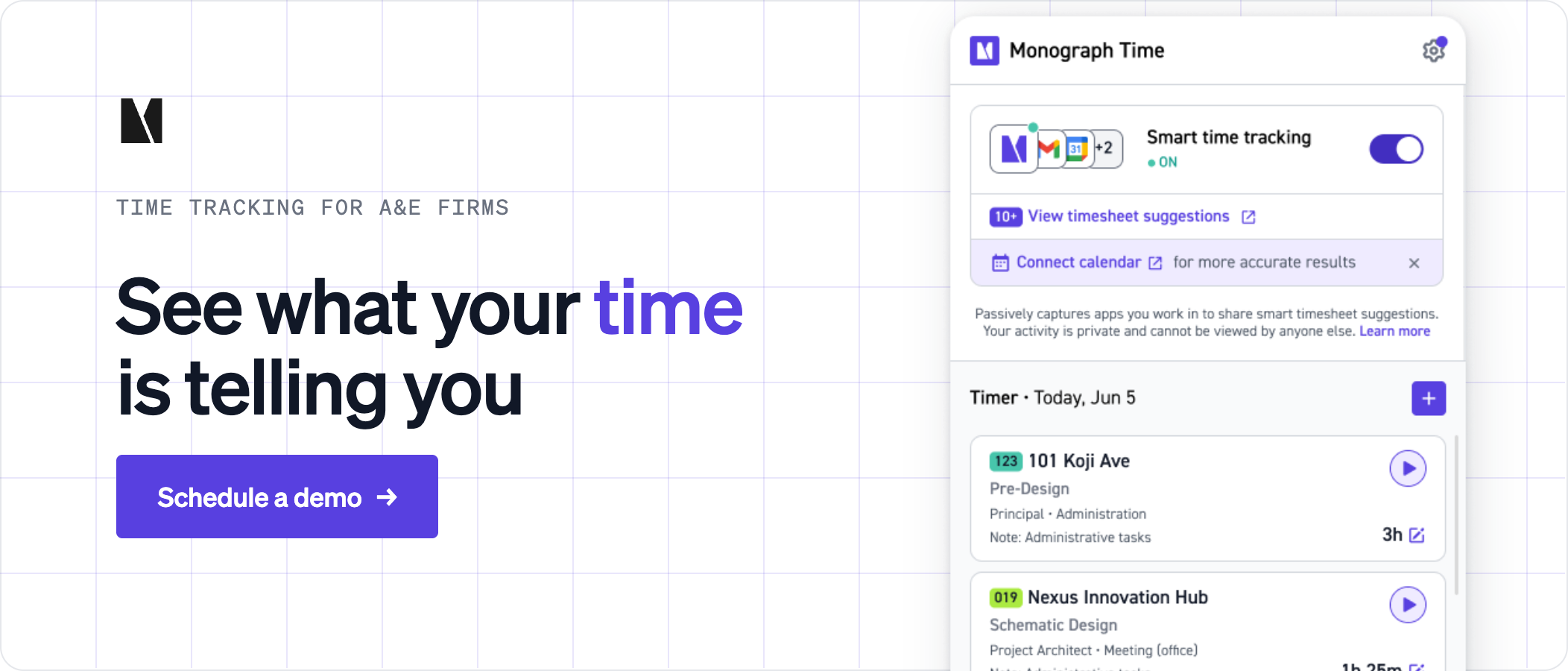
A firm-management system starts from your projects and phases, then matches calendar events to them. In Monograph, AI-powered Smart Time Suggestions turn events from a connected Microsoft 365 or Google calendar into suggested time entries against a project and phase.
Users connect their own accounts. Go to Staff > Directory, open your profile, and click Connect next to Microsoft 365 on the Integrations tab. Sign in with your Outlook account, grant Monograph permission to sync with your Outlook calendar, and pick the one calendar it should use.
Monograph then reads the events on that calendar and suggests entries for the selected week. A suggestion can include the project, phase, activity when available, suggested hours, and a short explanation of the match. Monograph generates a suggestion only when it has high confidence in the event details.
Suggestions are drafts, and Monograph never adds them to your timesheet on its own. They appear in a panel beside the web timesheet, and you decide what happens to each one:
- Click the checkmark to accept a suggestion as proposed.
- Click Edit to change the project, phase, activity, or duration before you accept.
- Click X to dismiss a suggestion. Dismissals are permanent.
An accepted suggestion becomes a new row on your timesheet, and its explanation goes into the entry's Notes field.
Why Suggestions Wait for Your Review
Suggestions wait for review because whoever did the work should record it. On federally funded contracts, auditors expect exactly that. In its contractor pamphlet, the Defense Contract Audit Agency (DCAA) calls the individual employee the key link in any labor charging system. DCAA expects time recorded on a daily basis and bars supervisors from filling in an employee's timesheet except in narrow cases such as prolonged leave.
DCAA guidance does not address calendar-suggested entries directly. When employees edit and confirm their own suggestions, they remain the recorders, and the calendar is only a memory aid.
Your daily review is also the moment to add what the calendar missed. In Microsoft's Work Trend Index data, 57% of meetings are ad hoc calls with no calendar invite. The request for information (RFI) you answered between calls never reached the calendar either, so you enter it by hand.
From Accepted Hours to Phase Budgets and Invoices
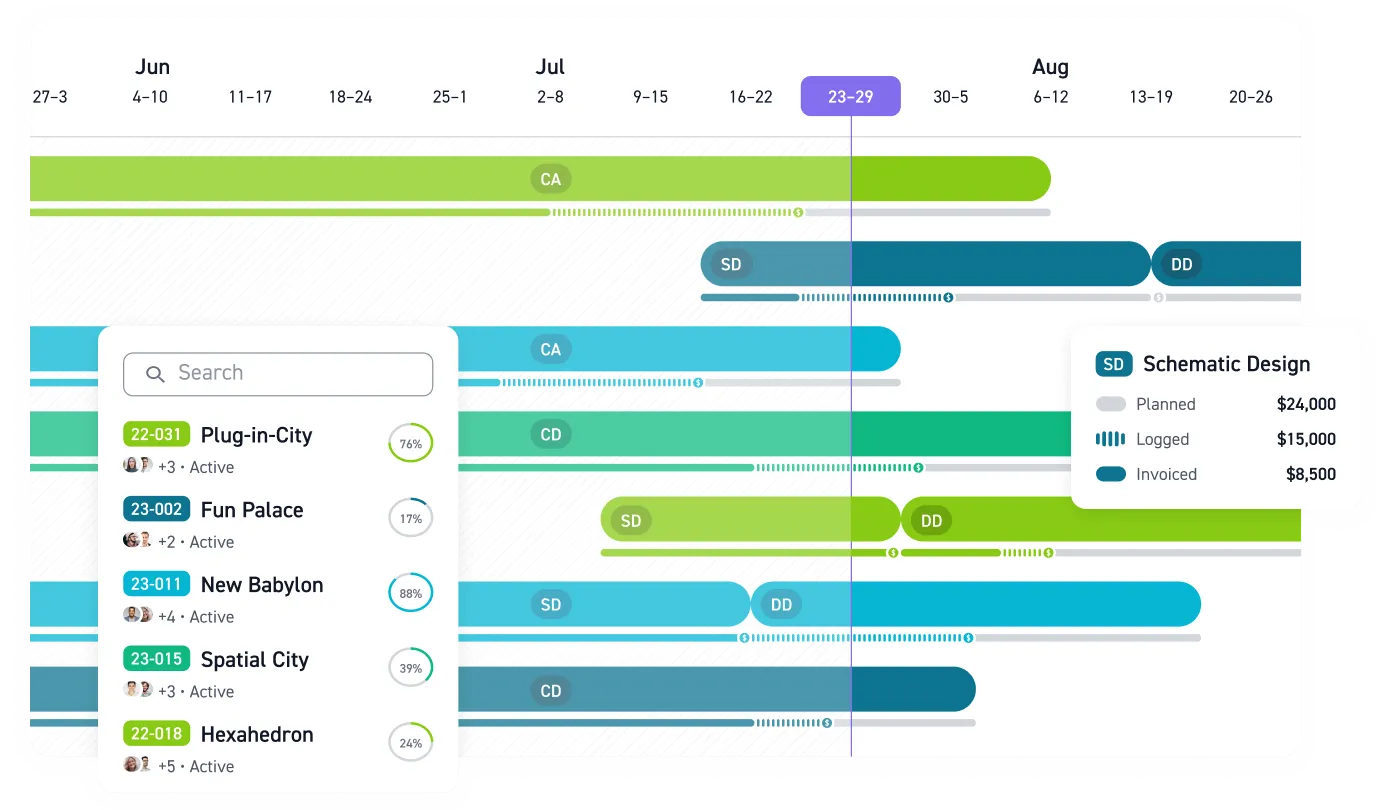
In Monograph's time tracking, accepted hours feed phase budget burn and Monograph's MoneyGantt™, the signature view of budget-to-cash progress. It tracks each phase from planned to logged to invoiced to paid alongside the project timeline. Alerts flag phases trending over budget. From there, billable time rolls into draft invoices you can send to QuickBooks Online in a click.
In Monograph's benchmark report, baseline firms average 96% realization, losing 4 cents on every billable dollar to write-offs and scope creep. Track burn by phase and you see that creep while the phase is still open and there is fee left to protect.
Red Brick Consulting Engineers and Architects, a seven-person firm in Utah, moved from Excel to Monograph. The firm reported 25% time saved on admin, a 2x faster billing process, and 25% less budget overage. Red Brick is one of 75+ firms whose results appear in Monograph's customer success stories. For a broader comparison, our guide to time tracking for engineers reviews 10 time billing tools built for A&E firms.
Stop Rebuilding Timesheets on Friday
Start with one project team. Connect their calendars and run suggestions for two weeks. Project managers should check whether accepted entries reach the right projects and phases, then compare them against the same team's last month of Friday-rebuilt timesheets. Coordination calls that appear in the new entries but not the old timesheets are hours you were not capturing.
During the pilot, watch timesheet completion and how early phase budgets show pressure. Keep the pilot small enough to review every suggestion and adjust the process before a firm-wide rollout.Put your calendar to work on the timesheet. Book a demo to plan the pilot with your team.
Frequently Asked Questions
Can I still enter time manually?
Yes. Manual entry works as before. You can accept the suggestions you want and type in any other time.
What happens when Monograph can't tell which project or phase a meeting belongs to?
You fill in the gap. When Monograph can identify the work but not every detail, it asks you to choose the missing project, phase, or activity before you accept the suggestion.
Does connecting Outlook give Monograph access to my email?
Only if you turn it on. Calendar sync and email capture are separate settings, and Outlook email reaches Monograph's Smart Inbox after you switch on the Auto-capture emails toggle. Admin users can also see any captured emails.
Can IT review the Microsoft 365 permissions before a firm-wide rollout?
Yes. Admins can review the permissions granted to enterprise applications, including Monograph, in Microsoft Entra ID. Have IT check that list against your firm's security policy before connecting the whole team.
Data was collected as of April 2026.